Another option is ipmitool, see this https://support.dvsus.com/hc/en-us/articles/360028908032
In a Venice 2U running RHEL 6.2
From terminal on the Venice system type:
[user@system ~]# ipmicfg-linux.x86_64
Which will output the following help info:
[user@system ~]# ipmicfg-linux.x86_64

IPMICFG-Linux Version 1.41 (Build 110706) Copyright 2010 Super Micro Computer, Inc.
Usage: IPMICFG-Linux params (Example: IPMICFG-Linux -m 192.168.1.123)
  -m                 Show IP and MAC
  -m IP              Set IP (format:###.###.###.###)
  -a MAC             Set MAC (format: ##:##:##:##:##:##)
  -k                 Show Subnet Mask
  -k Mask            Set Subnet Mask (format:###.###.###.###)
  -dhcp              Get the DHCP status
  -dhcp on           Enable the DHCP
  -dhcp off          Disable the DHCP
  -g                 Show Gateway IP
  -g IP              Set Gateway IP (format:###.###.###.###)
  -r                 BMC cold reset
  -garp on           Enable the Gratuitous ARP
  -garp off          Disable the Gratuitous ARP
  -fd                Reset to the factory default
  -ver               Get Firmware revision
  -vlan              Get VLAN status
  -vlan on [VLANtag] Enable the VLAN and set the VLAN tag
                     If VLANtag is not given it uses previously saved value.
  -vlan off          Disable the VLAN
  -raw               Send a RAW IPMI request and print response.
                     Format: NetFn LUN Cmd [Data1 ... DataN]

  -sdr                  Show SDR records and reading
  -sdr del      Delete SDR record
  -sdr backup     Backup SDR to file
  -sdr restore    Restore SDR from file
  -sdr ver [ ]  Get/Set SDR version (V1 V2 are BCD format)
  -sel info             Show SEL info
  -sel list             Show SEL records
  -sel del              Delete all SEL records
  -fru info             Show FRU inventory area Info
  -fru list             Show all FRU values
  -fru help             Show help of FRU Write
  -fru cthelp           Show chassis type code
  -fru           Show FRU field value
  -fru    Write FRU
  -fru backup     Backup FRU to file (bin format)
  -fru restore    Restore FRU from file (bin format)
  -fru ver [ ]  Get/Set FRU version (V1 V2 are BCD format)
  -fru source [0|1]     Set FRU source 0:IPMI FRU 1:SBB MP FRU (OEM)
To find the configured IP address for IPMI / BMC info:
[user@system ~]# ipmicfg-linux.x86_64 -m
IP=192.168.1.153 MAC=00:15:B2:A4:67:10
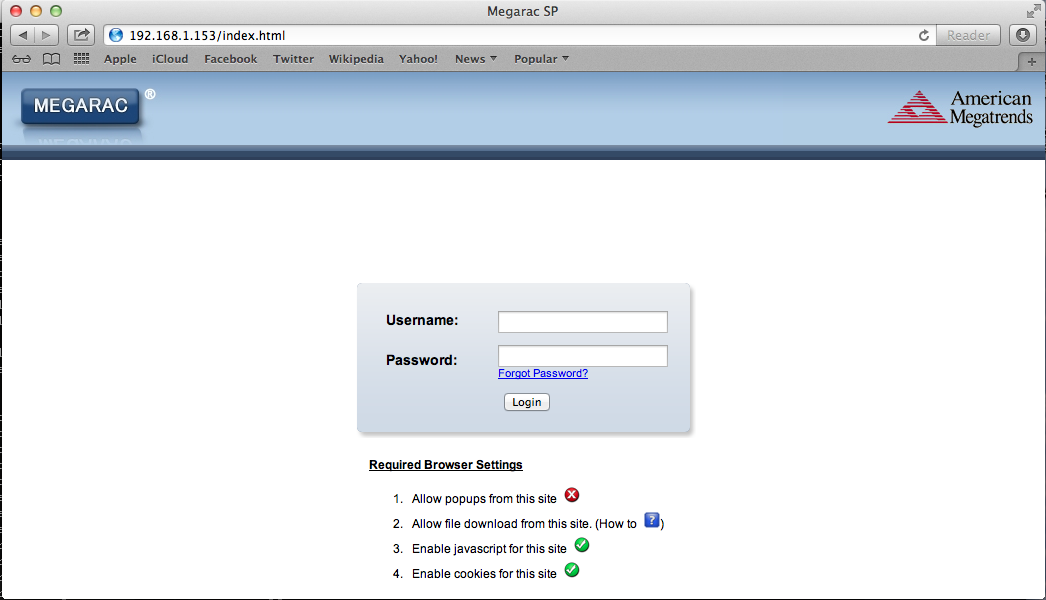
Then, using a web browser from another system (will not work from the Venice itself) connect to that IP.
The username / password combo = admin / admin:
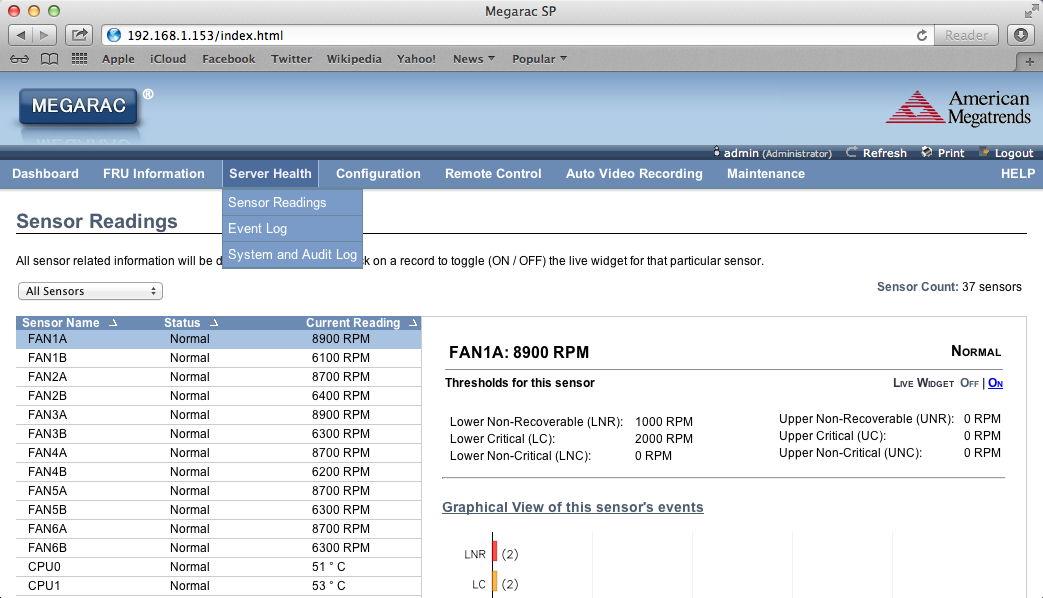
You can then choose "Server Health" > "Sensor Readings":
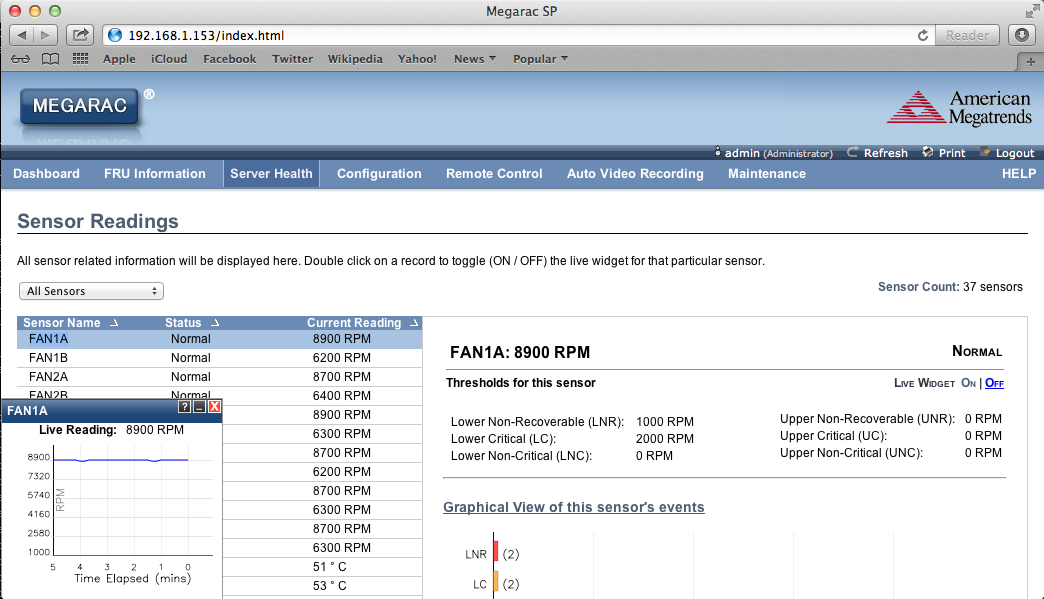
And double click on any of the sensor lines on the left to open a graphing "Live Widget":
0 Comments